A useful setting has a scope
You can choose preferences in PS5's Game Presets, under Saved Data and Game/App Settings. Sony says performance or resolution preferences apply only when a game offers those modes. Some presets do not apply to every game.
That makes a screenshot of a console preference insufficient evidence for a claimed GTA VI frame rate. It shows a preference has been selected; the actual game still needs to support and deliver the claimed result.
There is already official game-specific information
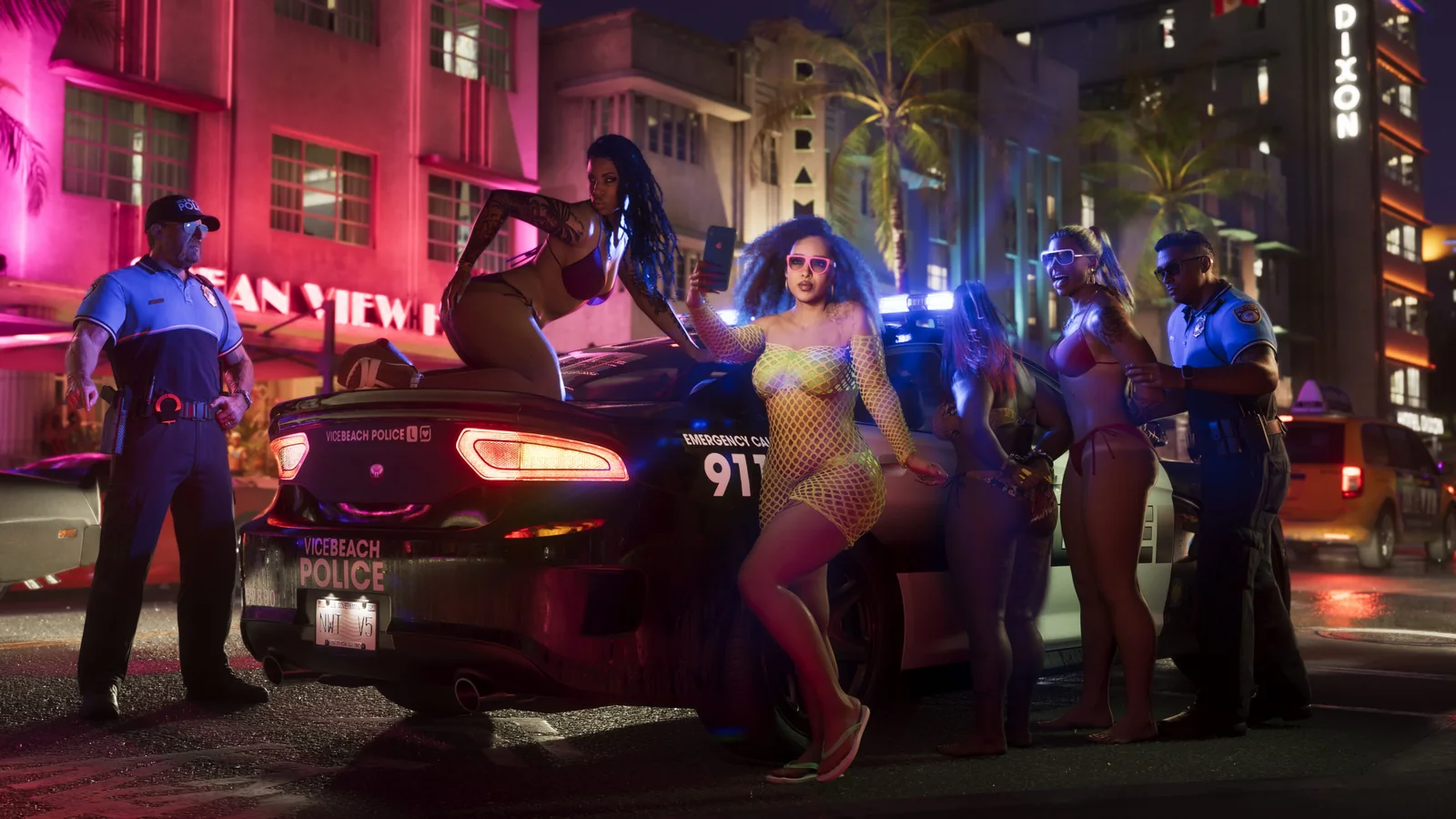
Rockstar’s Extended Look is dated 27 August 2026 and identifies its footage as captured in-game on PlayStation 5. PlayStation also announces GTA VI controller effects, Tempest 3D Audio and SSD loading. Treat those as attributed announcements, not as if nothing about the PS5 version has been shown.
The two pages linked here do not state a numeric frame-rate target or a selectable graphics-mode list. That limited check does not establish that no interview or other source discusses performance. If a claim cites another source, inspect that source and distinguish an announced target, analysis of a video, and a hands-on benchmark.
Ask for the setup, the test and the tradeoff
Use the same three questions for a settings recommendation, an early progress tip or a money-making claim. These are our editorial checks, not a claim that every guide lacking them is deliberately false.
- Setup: which game version, console and relevant options were used?
- Test: what was measured or repeated, and can the result be checked without relying only on the headline?
- Tradeoff: what did the result cost in time, quality, difficulty or prerequisites?
Make the comparison fair
A useful comparison changes one relevant variable and explains the conditions. If a guide shows only a number, ask what happened before and after the change. If a money tip excludes travel, setup or failure time, decide whether its claim still answers your question.
For mechanics or money advice, check the specific method against current GTA VI evidence. A system shown in official footage can support what was actually demonstrated; it does not prove a universal fastest-money recipe. Do not transfer a GTA V strategy without checking that its relevant assumptions hold.
What to save now
Keep a note with three fields: setup, result, tradeoff. Record what the source actually establishes, whether that is an announcement, a visible demonstration or a reproducible test. Leave unsupported steps unresolved.
This article does not recommend a GTA VI graphics mode or money method. We have not benchmarked the game. The purpose is to separate the evidence behind a claim from the confidence of its headline.
CHECK THE EVIDENCE
Sources & context
- PlayStation: PS5 game presets ↗
Sony places Game Presets under Settings > Saved Data and Game/App Settings. The performance/resolution preference applies only to games with those modes, and some presets do not apply to every PS5 game.
Checked 21 Oct 2026 - PlayStation: GTA VI PS5 features ↗
PlayStation announces DualSense effects, Tempest 3D Audio and SSD loading for GTA VI. This checked feature page gives no numeric frame-rate target or selectable graphics-mode list; that is a statement about this page, not every announcement or interview.
Checked 21 Oct 2026 - Rockstar: GTA VI — An Extended Look ↗
Rockstar dates this video 27 August 2026 and identifies it as in-game footage captured on PlayStation 5. The page text does not supply a numeric frame-rate specification. The video is official footage, not a Savepoint Six hands-on test. This review checked the official page description, not video playback or frame-rate analysis.
Checked 21 Oct 2026
Original editorial summary. Source pages can change. Send a correction.